Overview
At the end of each day during an event, charging data must be exported from the Telemetry WebApp and uploaded to S3. This should be completed once per day.Steps
1
Open the Telemetry WebApp
Ensure the application is running, then open a browser and navigate to http://localhost:4200. You should see the Telemetry WebApp interface.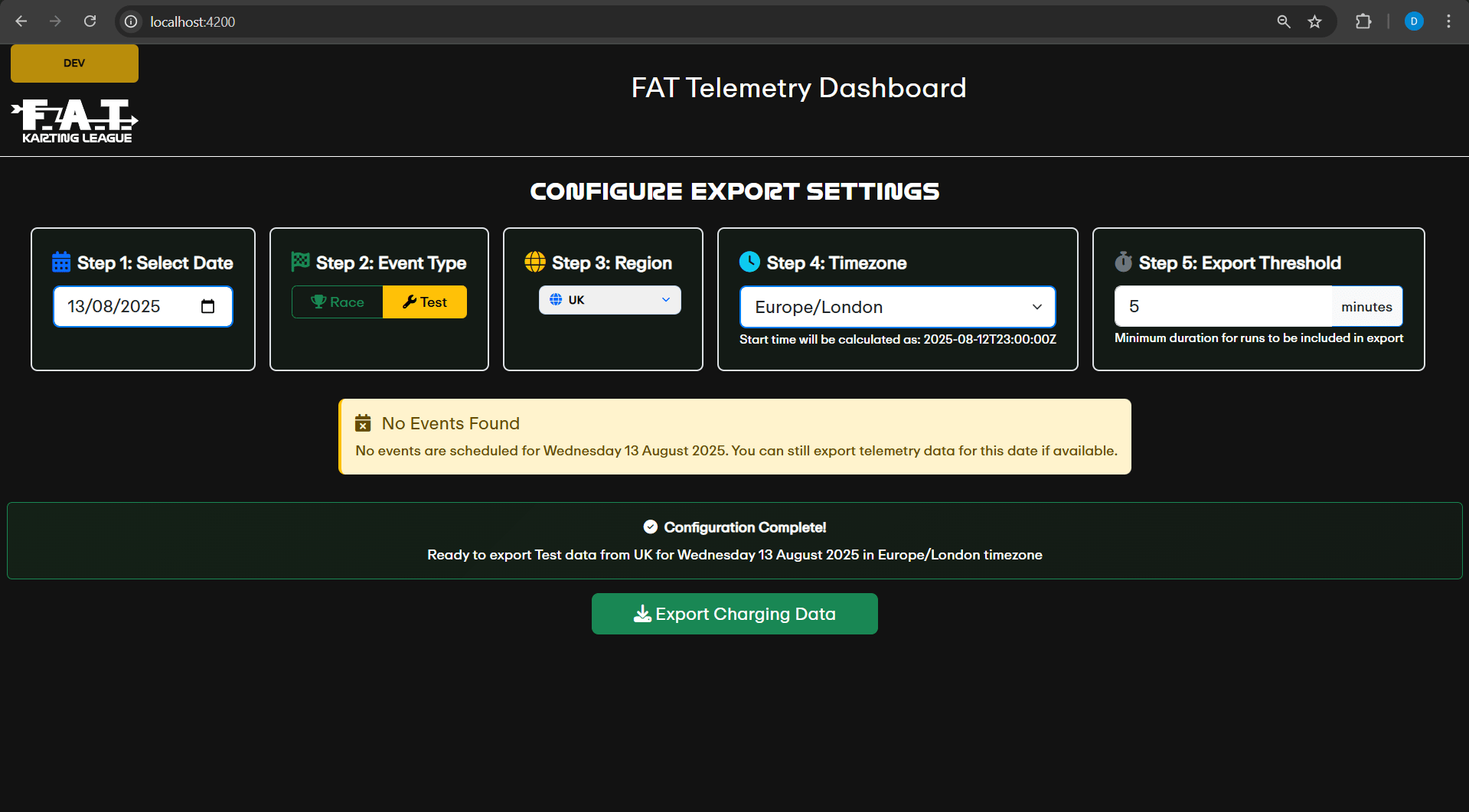
2
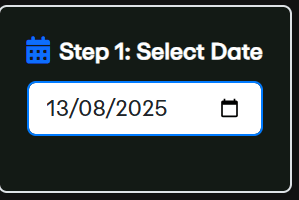
Select the date
3
Select the event type
In Step 2, select whether the event was a Race or a Test.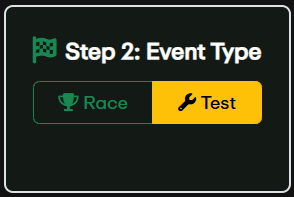
4
Select the region
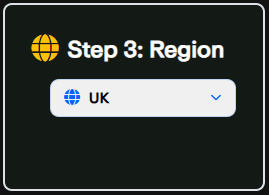
5
Select the timezone
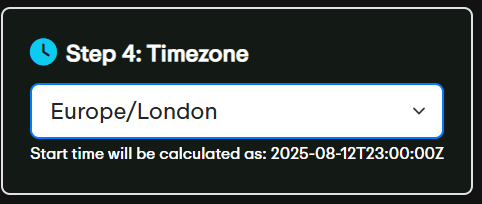
6
Set the export threshold
The default is 5 minutes - this is the minimum run duration to be included in the export.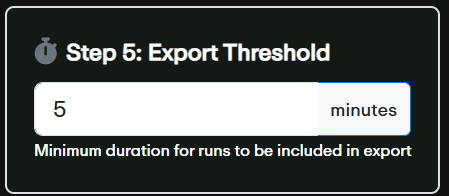
7
Press Export Charging Data

8
Review and confirm
A confirmation dialog will display a summary of the export configuration and the export path. Check that the configuration matches your expectation. If correct, press Confirm Export. If not, press Cancel and fix the configuration.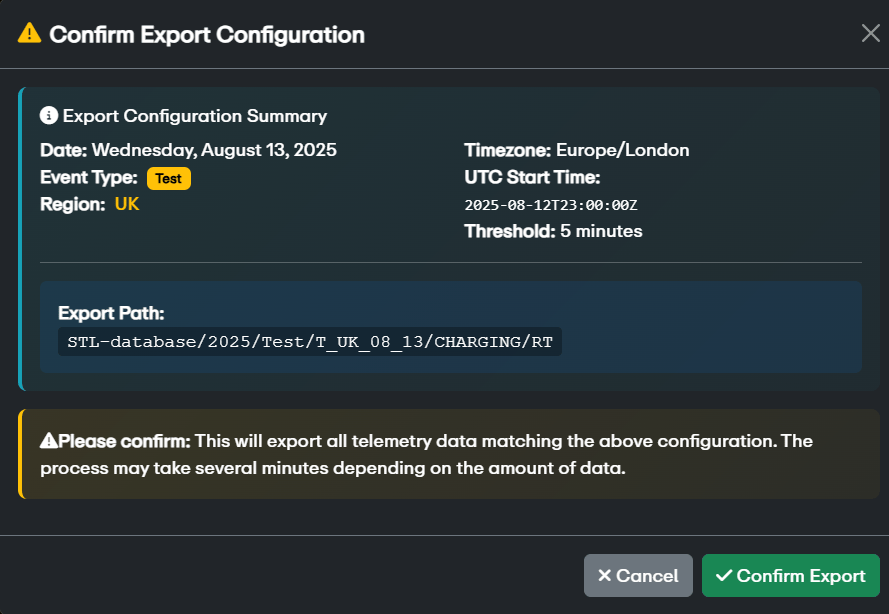
9
Wait for completion
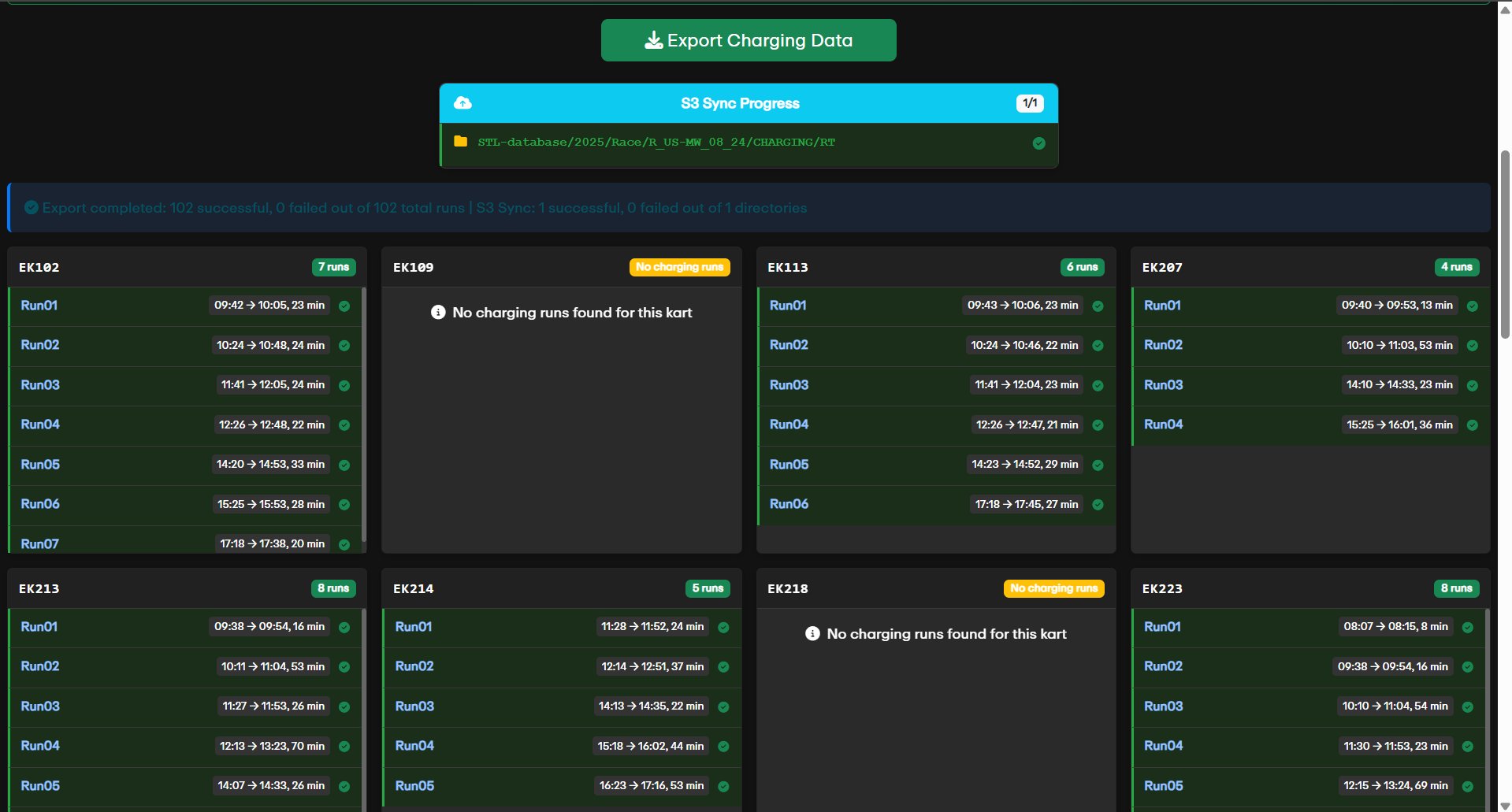
The export and S3 sync will now run. A successful export will display the run data for each kart.