Overview
At the end of each event day, the application must be stopped and the database backed up. The backup uploads InfluxDB, NATS, and Logs to S3 as a single archive.The backup must be completed at the end of both Saturday and Sunday. On both evenings, complete the backup and start InfluxDB fresh — this prevents the database accumulating data across multiple weekends and becoming very large.
Prerequisites
- The application is currently running
- Stable internet connection
- Time available to leave the NUC running until the backup completes
Steps
1
Run the stop script
In the project directory, double-click
stop_application.bat to run it.2
Confirm the configuration
The script will display the current configuration — it uses the region last provided during setup. Take a moment to confirm it is correct before proceeding.You will then be prompted: Do you want to complete the backup procedure?
3
Choose whether to back up
Enter
y to proceed with the backup, or n to skip it and stop the application only.4
Choose whether to start fresh
If you selected
y, you will be asked: Do you want a fresh InfluxDB database once the backup is completed?Enter y to clear InfluxDB after backup. This is the recommended option to prevent data accumulating across multiple weekends. Enter n if you do not want to clear it.Logs are automatically cleared after a successful backup regardless of this selection.
5
Review and confirm the summary
You will be shown a summary of the options you have selected. Enter 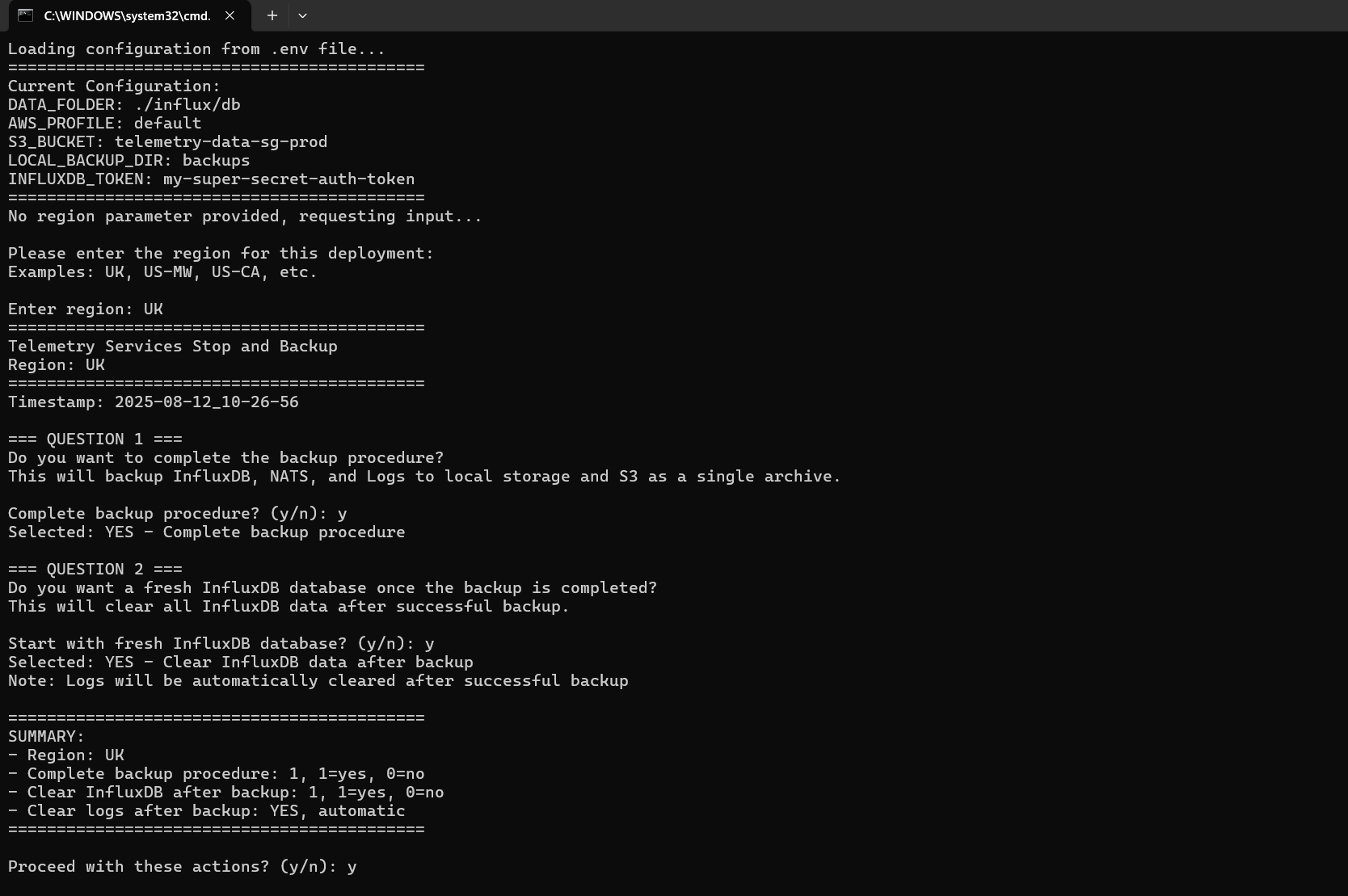
y to proceed, or n to exit without making any changes.6
Wait for the backup to complete
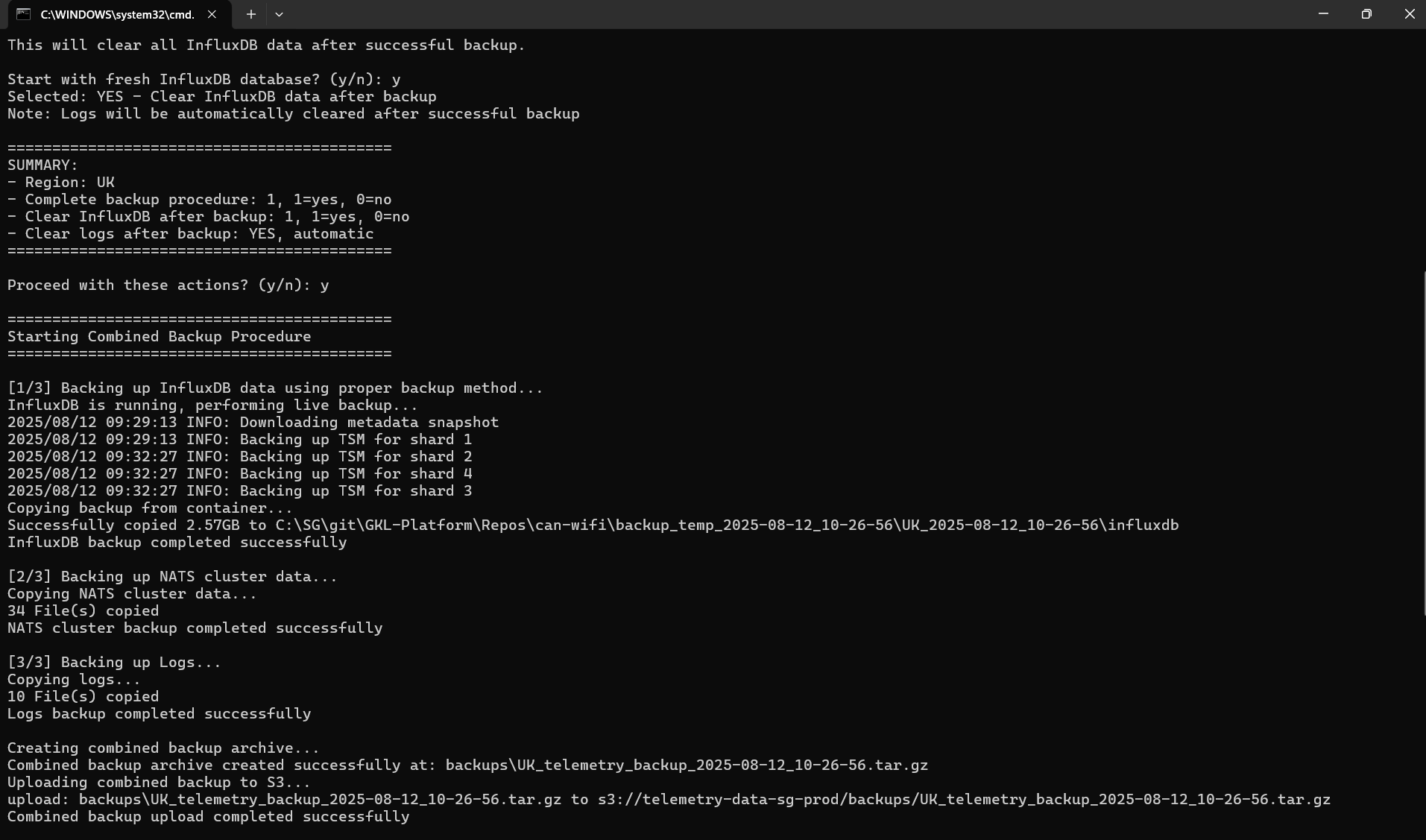
The backup will run in three stages: InfluxDB, NATS, and Logs. Once all three are complete, the combined archive will be uploaded to S3.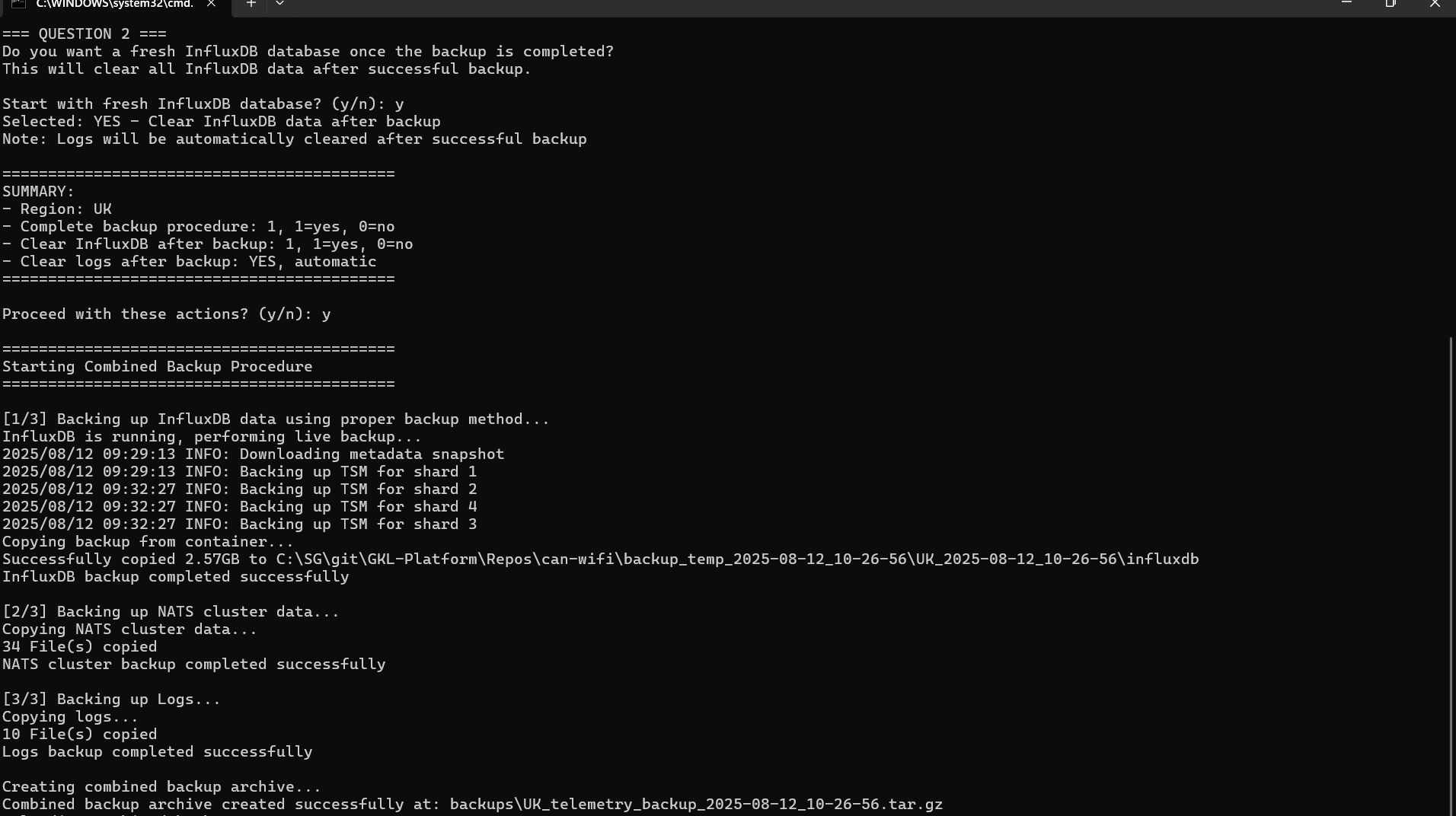
7
Application stops automatically
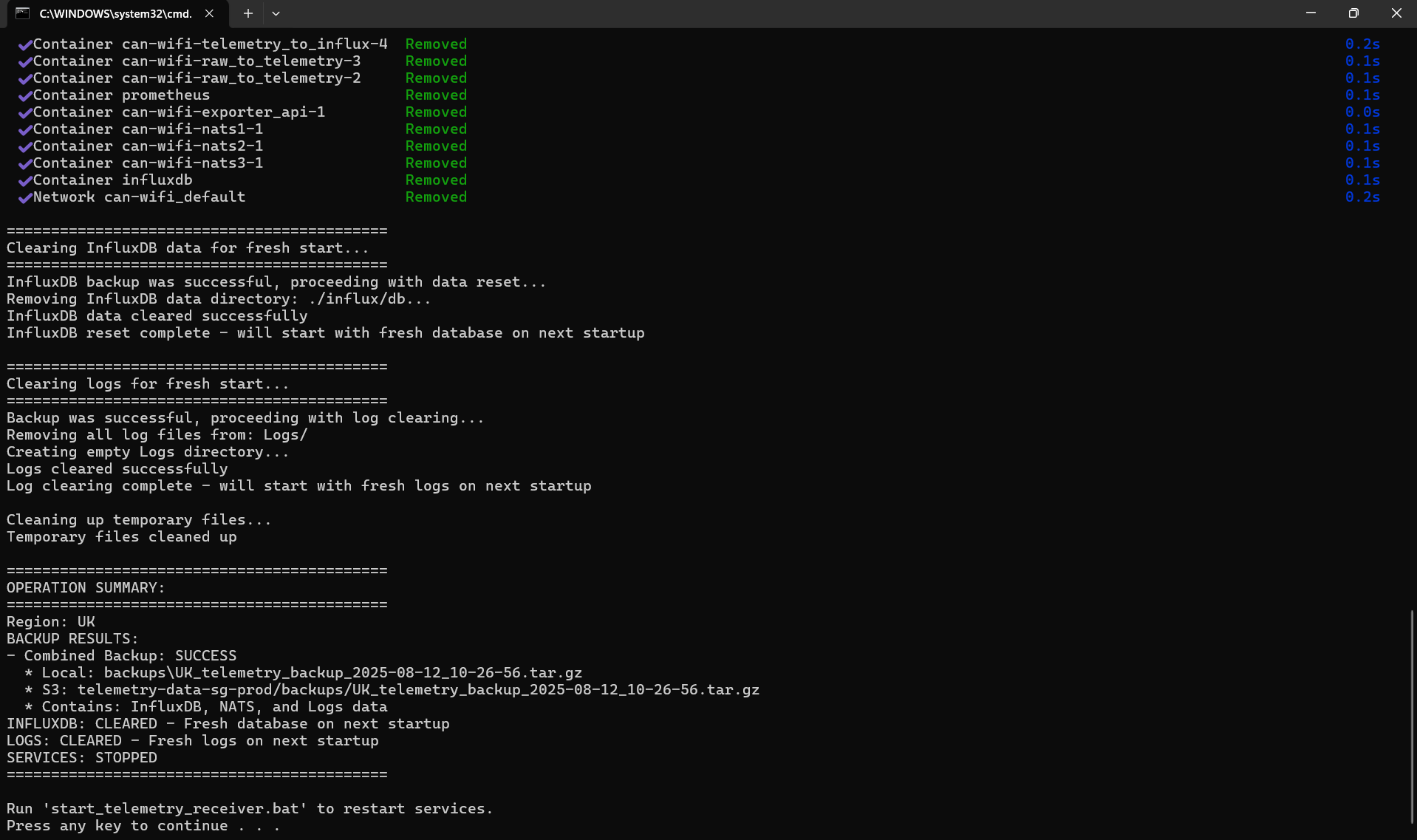
Once the backup and upload are complete, the application will stop automatically. If you selected a fresh InfluxDB and the upload was successful, InfluxDB will be cleared. A summary will be displayed at the bottom of the terminal.