Overview
Before an event weekend, you must set up the application to pull the latest production changes and configure the correct hub region. This is done by running a batch script.This only needs to be done once before each event. You do not need to run setup during the event itself, except in special cases.
Prerequisites
- Access to the event laptop (NUC)
- Internet connection to pull images from S3
Steps
1
Run the setup script
On the Desktop, double-click 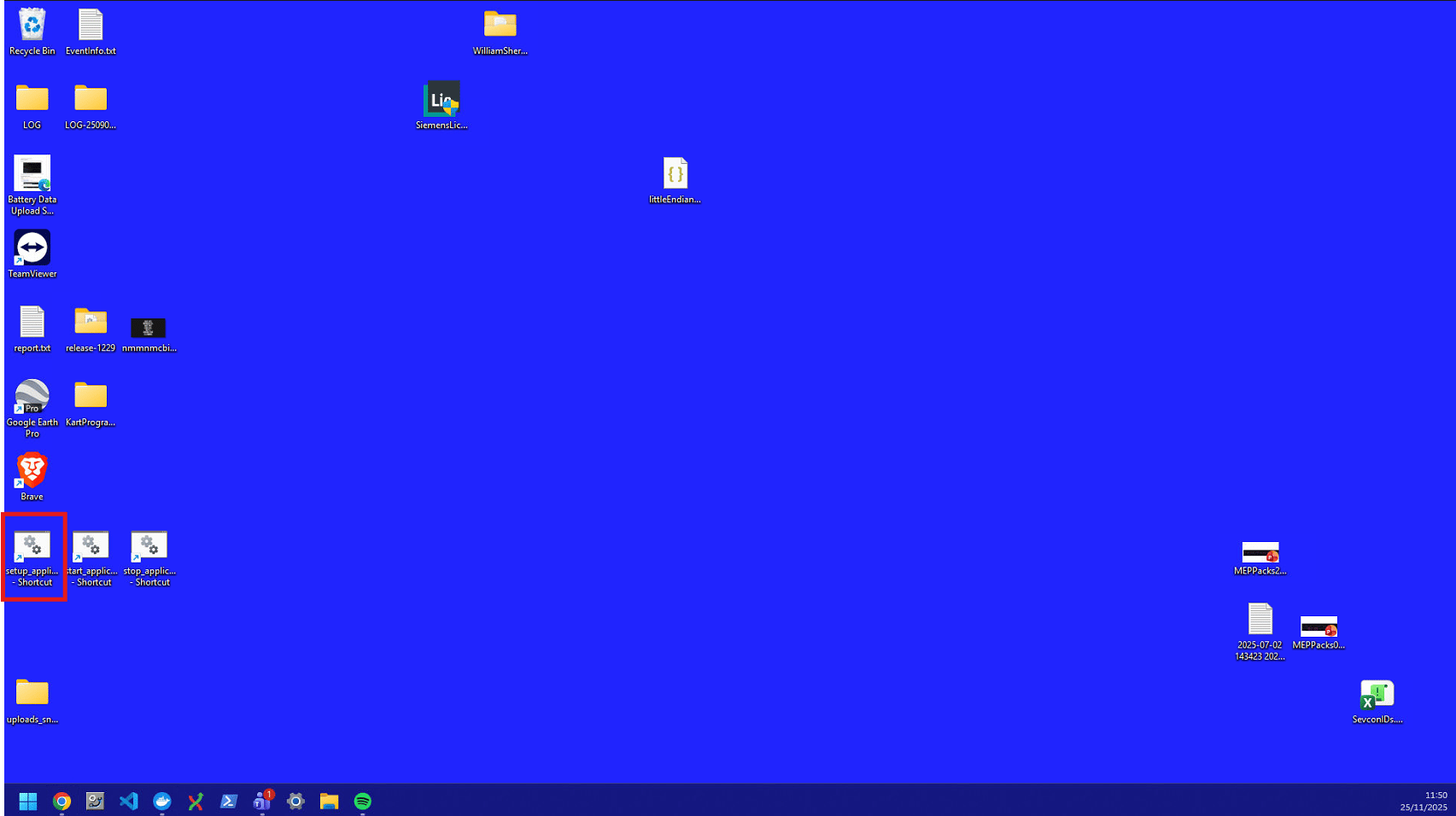
setup_application.bat to run it.2
Enter the hub region
A command window will appear asking for the hub region. Input the correct number and press Enter.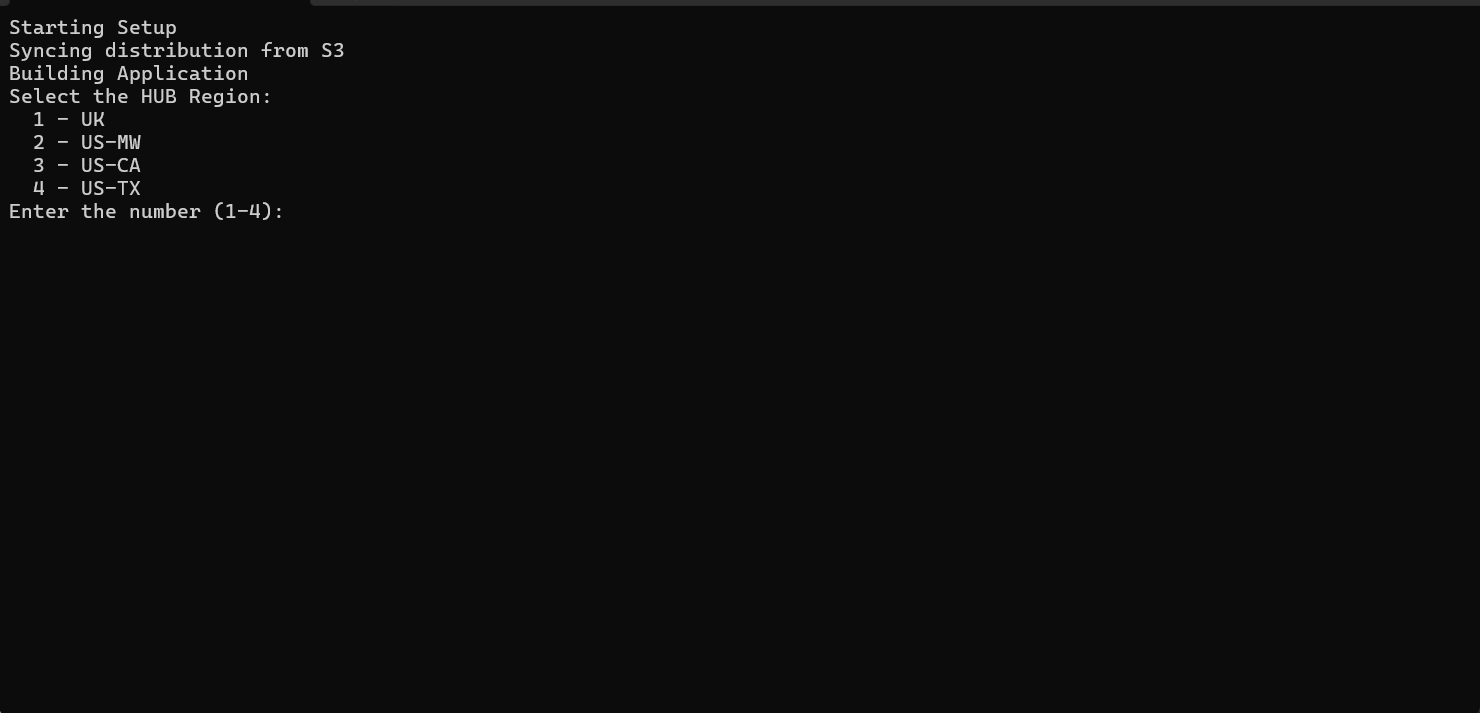
3
Wait for images to pull
The application will begin pulling images and building all containers. Once complete, all elements will show the message “Pulled”.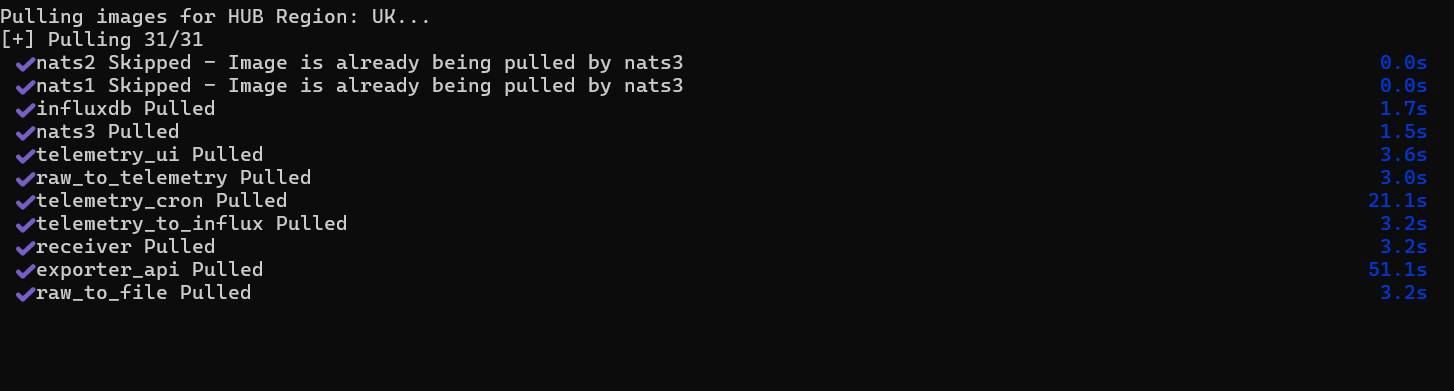
4
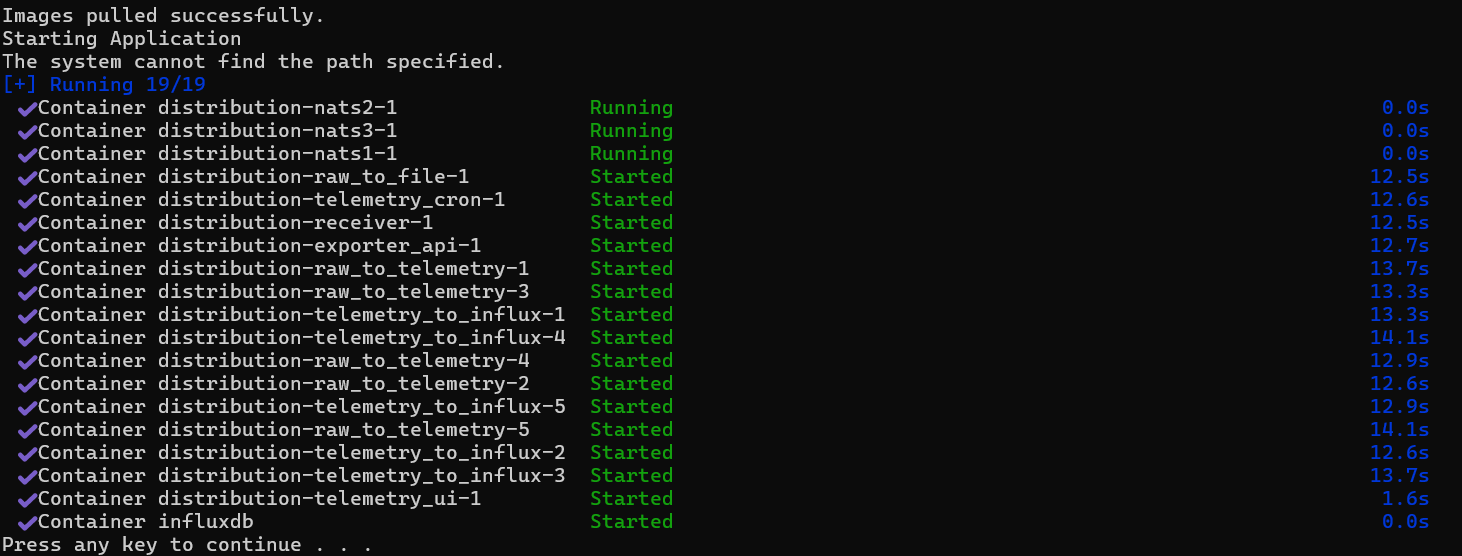
Application starts automatically
The application will then automatically start all containers. When complete, all elements will show a green message. You may now close the window.